

Installation

How to set up your IPTV subscription

Our IPTV supports all player apps and all devices.

How to set IPTV Smarters Pro Dutch on Android


Stap 1: Begin door de IPTV Smarters app te downloaden vanaf deze URL: https://www.iptvsmarters.com/smarters.apk

Stap 2: Open de app nadat deze gedownload is en voer de inloggegevens in die wij je hebben verstrekt na het aanschaffen van een abonnement bij ons. Klik op “GEBRUIKER TOEVOEGEN”
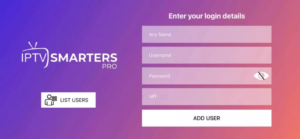
 instelt op Android

How to set IPTV to Apple devices with the iBO Pro Player


  • Open Appstore: Go to the Appstore on your Apple ios device.
    Search for
  • IBO Player: Type “IBO Player Pro” in the search bar and press enter.
  • Download and Install: Click the “Install” button to download and install the app.
  • Open the App: After installation, open the IBO Player app.

How to set IPTV to a Samsung or LG TV with the iBO Pro Player

  • Step 1: Start downloading iBO Player Pro from the App Store and open it. It will show you your Mac address and device key.
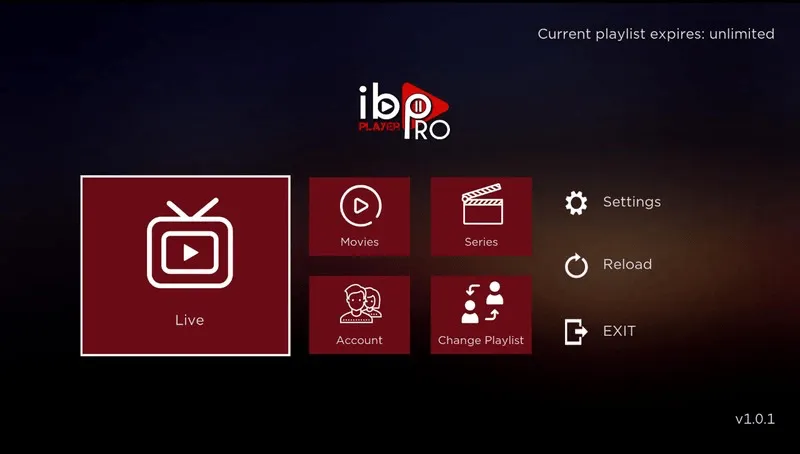
IPTV instelt op een Samsung

  • Step 2: Log in and click on ‘Add a playlist’ and fill it in with the data we sent you, or you can just send us your Mac address and device key and we will add our IPTV playlist for you.
  • Step 3: Restart the app and you will see our IPTV playlist, click on it and you will get access to our channels and movies / series.
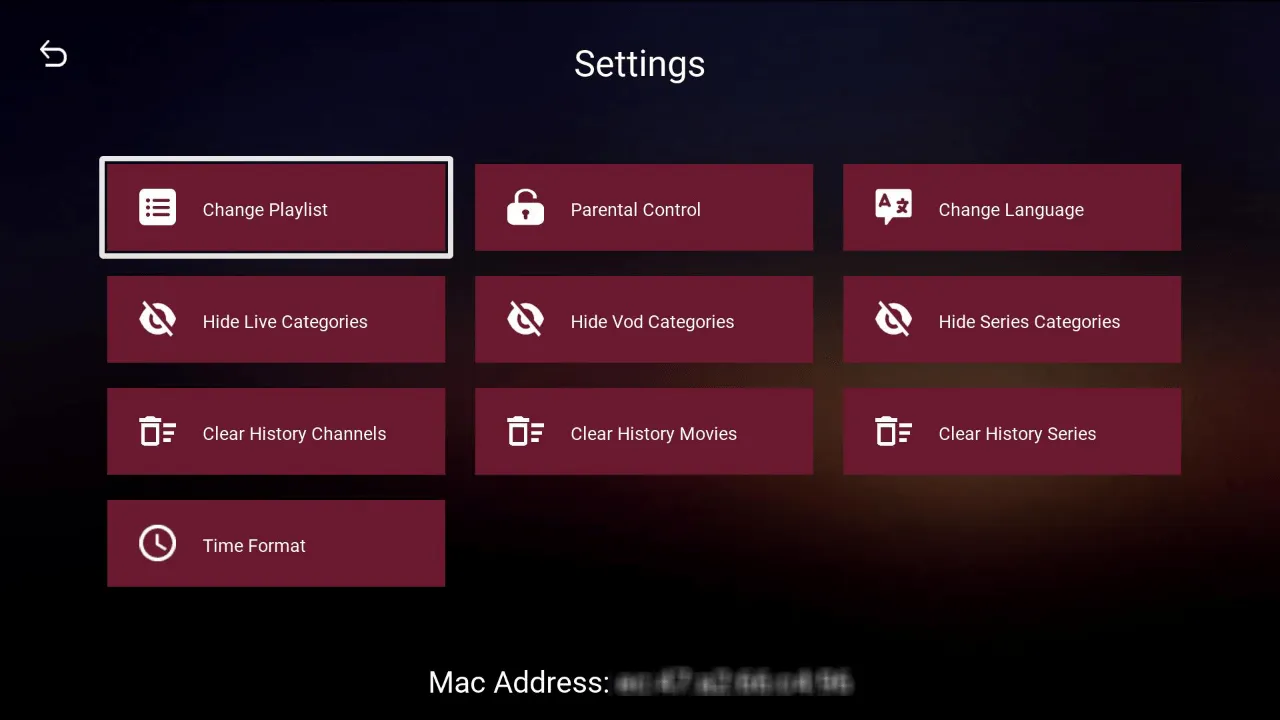
IPTV instelt op een Samsung

How to set IPTV Smarters Pro Dutch on Smart TV

  • Step 1: Start by downloading the IPTV Sorrows app.
  • Step 2: Open the app after it has been downloaded and enter the login details that we have provided you after purchasing a subscription from us. Click on “USER ADDED”.
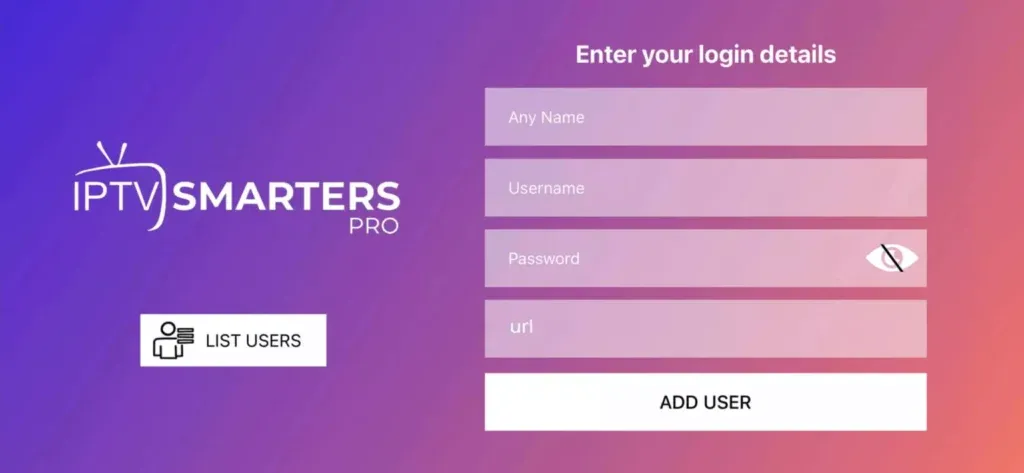
IPTV Smarters Pro Nederlands instelt op Smart TV

  • Step 3: Now you can click on ‘Live TV’ or on ‘Films’ and ‘Series’. Choose ‘everything’ to see all available channels / movies, or you can select the desired category.
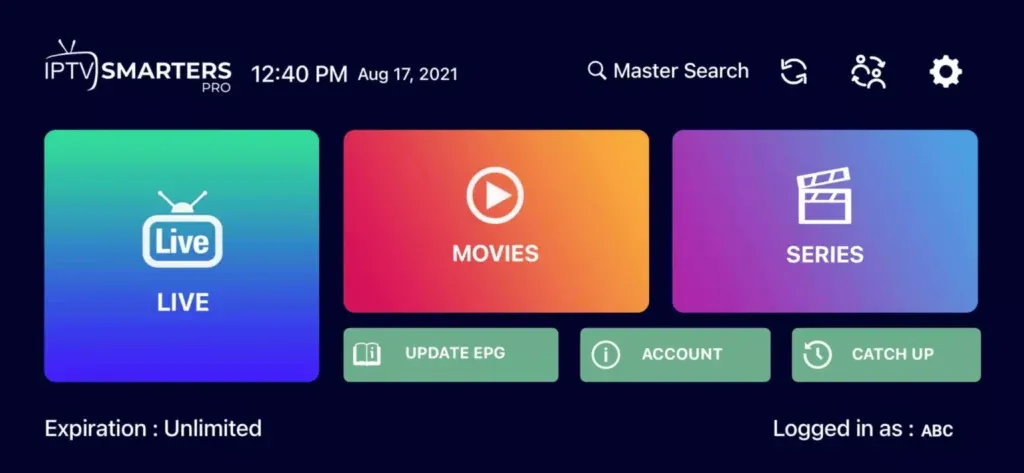
IPTV Smarters Pro Nederlands instelt op Smart TV

How to set IPTV to Formuler Z devices

  • Method 1: Start by choosing one of our IPTV subscriptions and open the “MyTVOnline” app on your Formuler Z device. Then enter the login details that you provide from us and enjoy it.
  • Method 2: Download the iBO Player Pro app, log in with the MAC address and device key you received from iBO Pro, then click ‘Add a playlist’ and fill it with the details we sent you. Or you can just send us the MAC address and device key and we will add our IPTV playlist for you.

Restart the app and you will see our IPTV playlist. Click on it and you will have access to our channels and movies / series.

How to set up IPTV on Windows and Mac devices

  • For Windows:
Download iBO Player Pro from this URL: Ib Player Pro – Microsoft Apps


  • For MAC:

Download iBO Player Pro from this URL:

ibo Pro Player op de App Store (apple.com)

How to set IPTV to Chromecast

  1. Open Google Play Store: Go to the Google Play Store on your Android device.
  2. Search for IBO Player: Type “IBO Player Pro” in the search bar and press enter.
  3. Download en Installeer: Klik op de “Installeren” knop om de app te downloaden en te installeren.
  4. Open the App: After installation, open the IBO Player app.
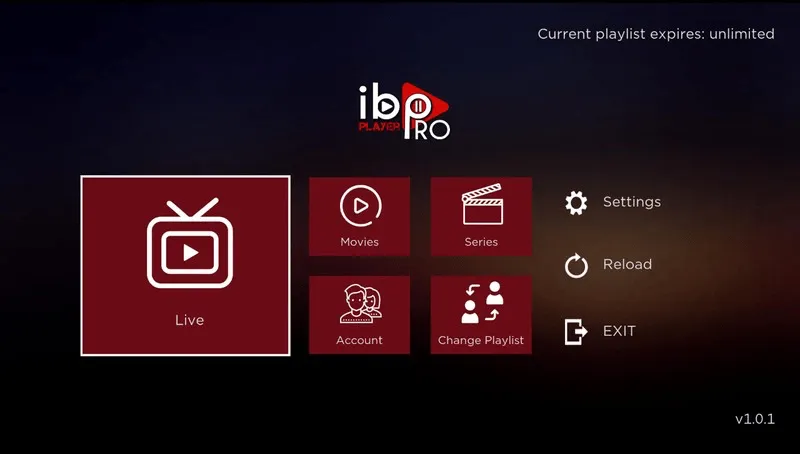
    IPTV in te stellen op Chromecast

    5. Get your Device ID and Device Key: Record the Device ID and Device Key that are displayed when opening the app.

    6. Add your teen IPTV playlist: Go to the IBO Player Pro website, submit your device ID and device key, Add your Xtream code teen M3U playlist to get up to our IPTV content.

    7. Restart the app: and enjoy it!

    You can send us a mac address and device key and we will create a subscription playlist for you. We also have an iBO app license and activation

Set IPTV to MAG

  • Step 1: Send us the MAC address of your MAG via WhatsApp or the order page.
  • Step 2: After payment is completed, we will send you the portal link.

How to set IPTV to Firestick

First make sure you have the app “Downloader by AFTVnews.com”. Open it and enter the code 834339 in the search box and click OK. This downloads iBO Player Pro. Install it and follow these steps:

  1. Open de App: Na de installatie, open de IBO Player app.
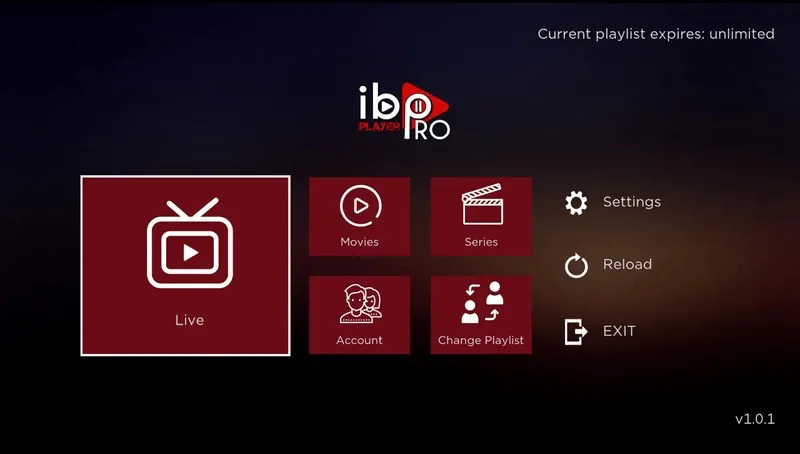
     IPTV in te stellen op Firestick

    2. Get your Device ID and Device Key: Record the Device ID and Device Key that are displayed when opening the app.

    3. Add your teen IPTV playlist: Go to the IBO Player Pro website, submit your device ID and device key, Add your Xtream code teen M3U playlist to get up to our IPTV content.

    4.Restart the app: and enjoy it!

    You can send us a mac address and device key and we will create a subscription playlist for you. We also have an iBO app license and activation.

How to set IPTV on a Roku TV

  • Step 1: Start downloading iBO Player Pro and then open it. It will show your MAC address and device key.
  • Step 2: Log in with your MAC address and device key and then click on ‘Add a playlist’ and fill it with the details we have sent you. Or you can just send us your MAC address and device key and we will add our IPTV playlist for you.
  • Step 3: Restart the app and you will see our IPTV playlist. Click on it and you will have access to our channels and movies / series.

We can help you set up IPTV, just contact us.

how does it work?

1. PLACE YOUR ORDER

Plaats uw bestelling door de door u gewenste abonnementsperiode te kiezen: 1 maand, 3 maanden, 6 maanden of 12 maanden.

2. LANGUAGE YOUR ACCOUNT

Dit proces kan 10 tot 30 minuten duren. Om het proces te versnellen, kunt u contact met ons opnemen via WhatsApp.

3. ENJOY OF IPTV SERVICE

Geniet van alle kanalen, films en series die u kunt bekijken op uw Smart TV, laptop of mobile apparaat.

Scroll to Top